NEWS COMMUNITY STORE TUTORIALS ROKOJORI ACTION LIBRARY SIGN UP LOGIN LOGOUT ROKOJORI NEWSLETTER SIGN UP LOGIN LOGOUT NEWS COMMUNITY STORE TUTORIALS ROKOJORI ACTION LIBRARY TOGGLE FULLSCREEN VOLLBILD AN/AUS


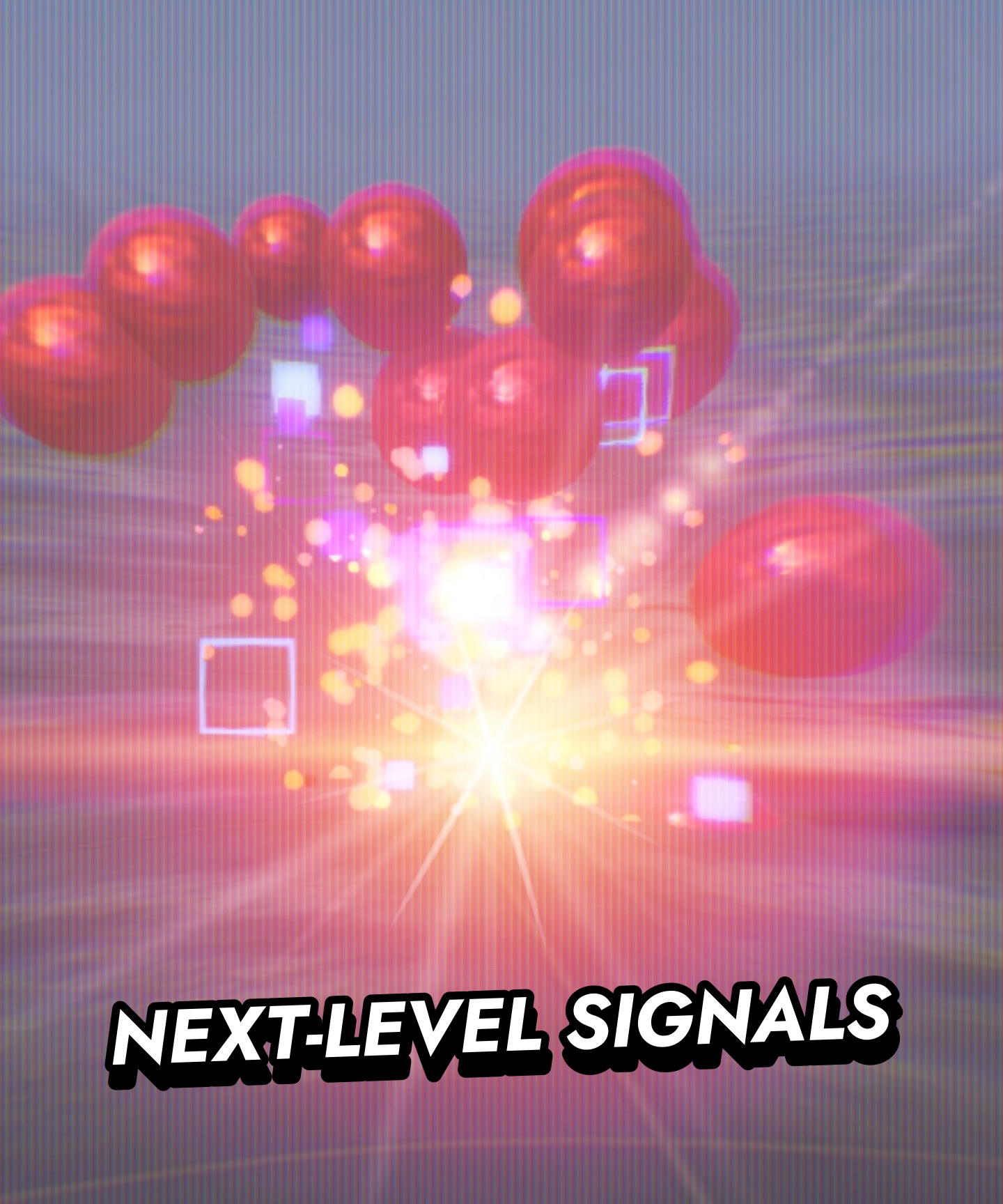
Next Level Signals Welcome to the interactive example for the Godot Con 2026 in Amsterdam. --:--/--:--

EXAMPLE PROJECT Next Level Signals uses the Rokojori Action Library and demonstrates how to use it for hierarchy-based asynchronous VFX.

You can download the complete project files here: Next-Level Signals Godot Project


INSTALLATION
1. Download and unzip the Next-Level Signals Godot Project

2. Open the project, build and enable the Rokojori Action Library addon (step 3 & 4 from the installation guide)

3. Once the project loaded, in the File System open res://Godot Con 2026.tscn

4. In the Scene Hierarchy select on of the nodes:
Node: Godot Con 2026 ▸ CharacterBody3D: Enemy ▸ ActionList: On Electric Hit
Node: Godot Con 2026 ▸ CharacterBody3D: Enemy ▸ ActionList: On Punch Hit
Node: Godot Con 2026 ▸ CharacterBody3D: Enemy ▸ Sequence: On Death

5. In the Inspector : Press Trigger Action in Editor to test


All social media brands are registrated trademarks and belong to their respective owners.


CONTACT IMPRINT TERMS OF USE PRIVACY © ROKOROJI ® 2021 rokojori.com
We are using cookies on this site. Read more... Wir benutzen Cookies auf dieser Seite. Mehr lesen...